

Keycap Sizes Explained: What 1U, 1.25U, 2U, and Spacebar Sizes Mean
If you are new to mechanical keyboards, keycap sizing can feel like a secret language. Product pages mention 1U, 1.25U, 1.75U, 2U, 6.25U, and 7U, but beginners are often left guessing what those numbers actually mean. The idea is simpler than it looks: keycap sizes are measured in units, and everything starts with 1U.
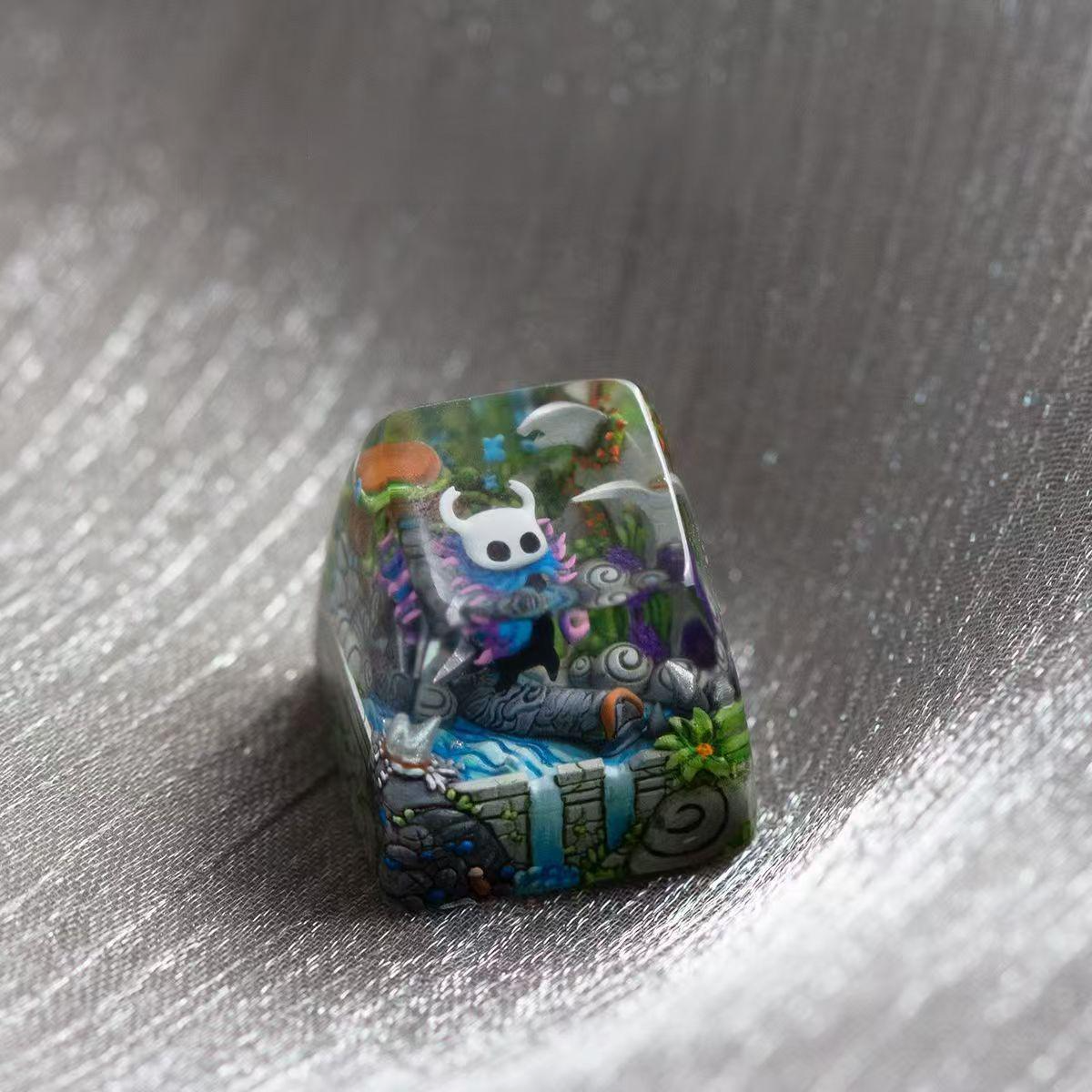
A 1U keycap is the size of a normal letter key. Think of A, S, D, F, J, K, or L. Once you understand that basic square key, the rest of the system becomes easier. A 2U key is twice as wide as a 1U key. A 1.25U key is slightly wider than a normal letter key. A 6.25U spacebar is six and a quarter times the width of a standard key.
This matters because keycaps are not one-size-fits-all. A beautiful keycap set, spacebar, or handmade artisan keycap may look perfect in a photo, but it still needs to match your keyboard layout. For beginners, learning the sizing system is the fastest way to avoid buying a cap that does not fit.
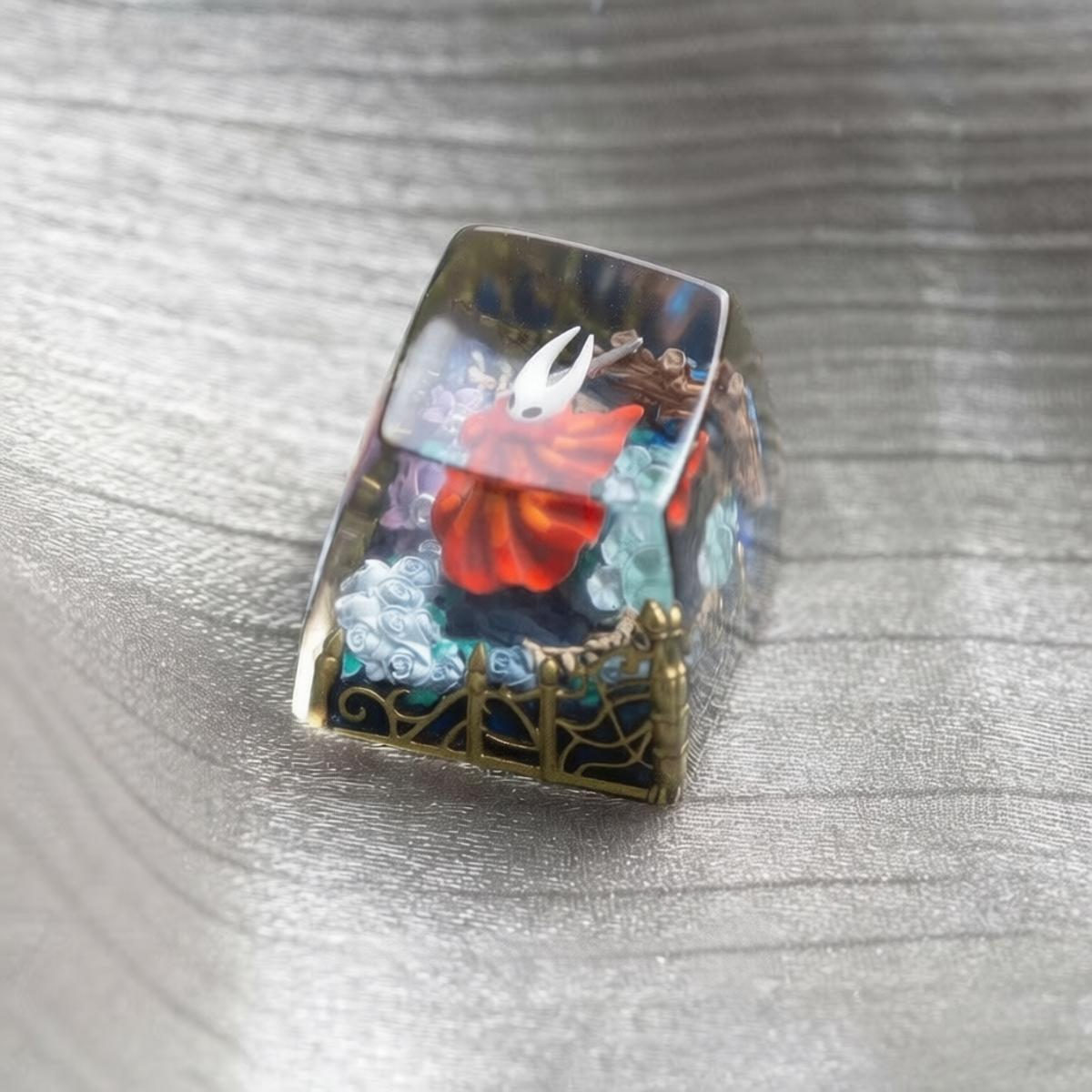
It is also useful if you are shopping for collectible accent keys. Many resin artisan keycaps, including the Hollow Knight Miniature Scene Resin Artisan Keycaps, are designed as compact accent pieces rather than full-board replacements. Knowing where a 1U artisan cap belongs helps you use it well.
What Does 1U Mean?
In keyboard sizing, U means unit. A 1U key is one standard keycap unit wide. On most keyboards, the letter keys, number keys, arrow keys, Escape key, and function-row keys are 1U.
Common 1U positions include:
- Letter keys such as A, B, C, and D
- Number keys such as 1, 2, 3, and 4
- Arrow keys on many layouts
- Function keys such as F1, F2, and F3
- Escape on most mechanical keyboards
- Some macro keys and numpad keys
Because 1U is so common, it is the safest size for many artisan keycaps. A 1U artisan cap can usually sit on Escape, a function-row key, a macro key, or a decorative switch tester. That flexibility is one reason collectors often start with a single 1U resin keycap before buying a full keycap set.
Common Keycap Sizes
Here is a beginner-friendly guide to common keycap sizes:
| Size | Common Use |
|---|---|
| 1U | Letters, numbers, arrows, Escape, function keys |
| 1.25U | Ctrl, Alt, Windows/Menu keys on many standard bottom rows |
| 1.5U | Some Tab, Ctrl, or specialty layout keys |
| 1.75U | Right Shift on many compact keyboards |
| 2U | Backspace, numpad 0, some larger keys |
| 2.25U | Left Shift on many keyboards |
| 2.75U | Right Shift on many full-size or TKL keyboards |
| 6.25U | Most common spacebar size |
| 7U | Common on some custom enthusiast layouts |
The exact sizes depend on your keyboard layout. A full-size board, TKL, 75%, 65%, 60%, Alice-style board, or custom kit may use different modifier key widths. That is why compatibility charts exist, and why you should never assume every keycap set fits every keyboard.
Why Modifier Keys Are More Complicated
Letter keys are easy because they are almost always 1U. Modifier keys are where beginners usually run into problems.
Modifier keys include Ctrl, Alt, Shift, Tab, Caps Lock, Backspace, Enter, and the spacebar. These keys are often wider than normal keys, and their sizes can vary depending on the keyboard.
For example, a traditional full-size keyboard may use a 2.25U left Shift and a 2.75U right Shift. A compact 65% keyboard may use a smaller 1.75U right Shift to make room for arrow keys. Some custom keyboards use unusual bottom rows with 1.5U modifiers and a 7U spacebar.
This is why a keycap set might say it supports a “standard layout,” “65% layout,” or “Alice layout.” Those phrases are not just about the keyboard’s overall size. They also describe which special keycap widths are included.
Spacebar Sizes: 6.25U vs. 7U
The spacebar is one of the most important keys to check before buying a full keycap set. Most mainstream mechanical keyboards use a 6.25U spacebar. Many enthusiast or custom layouts use a 7U spacebar.
A common standard bottom row often looks like this:
- 1.25U Ctrl
- 1.25U Win
- 1.25U Alt
- 6.25U Spacebar
- 1.25U Alt
- 1.25U Fn
- 1.25U Ctrl
A custom 7U bottom row may use larger modifiers and a longer spacebar:
- 1.5U Ctrl
- 1.5U Alt
- 7U Spacebar
- 1.5U Alt
- 1.5U Ctrl
If you buy the wrong spacebar size, it usually will not fit the stabilizer positions. The stems and stabilizer inserts need to line up with the keyboard. This is why spacebars are less forgiving than small 1U accent keys.
Where Artisan Keycaps Fit
Artisan keycaps are usually sold as individual accent keys, not as full sets. Many are 1U because that size fits the widest range of display positions.
Good artisan keycap placements include:
- Escape key
- F-row key
- Macro key
- Numpad key
- Decorative switch tester
- Display keyboard or shelf setup
The Hollow Knight resin scene keycaps are a good example of how a 1U artisan can function as a small focal point. Instead of changing the entire keyboard, you can place one handmade miniature scene on Escape or a function key. It adds visual depth without disrupting the rest of the board.
This is especially helpful for new users. If you are not ready to buy a full keycap kit or learn every layout variation, a single 1U artisan cap is a simple first step.
Keycap Size vs. Keycap Profile
Size and profile are different concepts.
Size describes how wide the keycap is: 1U, 1.25U, 2U, 6.25U, and so on.
Profile describes the keycap’s shape and height. Common profiles include Cherry, OEM, SA, XDA, and DSA. Two keycaps can both be 1U but feel very different if they use different profiles.
For example, a 1U SA-style keycap is usually taller and more sculpted than a 1U Cherry-profile keycap. A resin artisan keycap may also be taller, glossier, or more decorative than the surrounding keycaps. That is not a flaw; it is part of the collectible look.
For everyday typing, you may prefer a consistent profile across most of the board. For artisan keycaps, the goal is different. They are usually placed where they can be seen and appreciated, not necessarily where you press hundreds of times per day.
How to Check Your Keyboard Before Buying Keycaps
Before buying keycaps, check these details:
- Keyboard layout
Is your board full-size, TKL, 75%, 65%, 60%, Alice-style, or something else?
- Switch stem
Most mechanical keyboards use MX-style cross stems, but not every keyboard does.
- Bottom row
Check whether your spacebar is 6.25U or 7U, and whether your Ctrl, Alt, and Fn keys use standard sizes.
- Right Shift size
Compact boards often use a smaller right Shift, such as 1.75U.
- Artisan placement
If you are buying a 1U artisan keycap, choose a 1U position like Escape, F-row, or a macro key.
If you are unsure, remove a keycap carefully with a keycap puller and compare it with the product description. You can also search for your keyboard model plus “layout” or “keycap sizes.”
A Simple Beginner Rule
If you only remember one thing, remember this:
A 1U keycap is the size of a normal letter key.
Everything else is measured from that. A 2U key is twice as wide. A 1.25U key is slightly wider. A 6.25U spacebar is much wider and needs stabilizers.
For new mechanical keyboard fans, this knowledge makes shopping much easier. You can read product pages faster, avoid common compatibility mistakes, and choose artisan keycaps with more confidence.
Final Thoughts
Keycap sizing looks technical at first, but it is really just a shared measurement system. Once you understand 1U, you can start to recognize the rest of the layout. That knowledge helps whether you are buying a full PBT keycap set, replacing a spacebar, or choosing one handmade resin artisan keycap for your Escape key.
If you are new to artisan keycaps, start small. A single 1U resin scene keycap is easy to place, easy to understand, and visually rewarding. It gives your keyboard a collectible detail without forcing you to solve every layout question at once.